State Compass for everyday self-observation

Mind Sense

Scan your state and get one clear next step. Mind Sense brings together camera-based signals, reflection, breathing practice, Aura conversation, history, patterns, and recommendations without pretending to diagnose you.

Not a diagnosisBuilt for wellbeing support and self-observation.
Consent firstCamera, microphone, notifications, and location require clear permission.
User controlPrivacy, support, and data deletion pages are public and easy to find.
Signal check
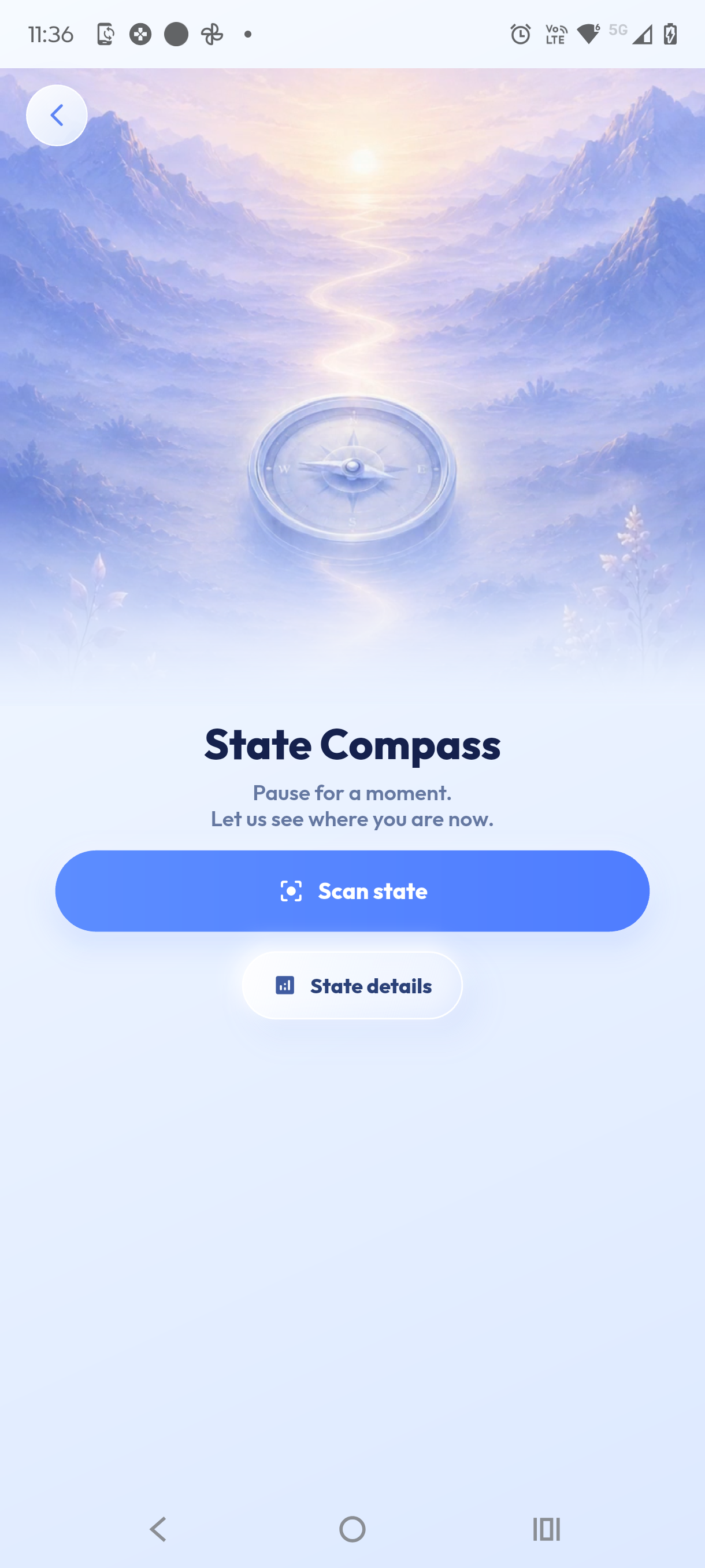
Calm mountain path with a compass

State Compass

Pause for a moment.
Let's see where you are now.

Scan state State details
Recommendation Observe, breathe, act.

A compass, not a diagnosis.

State Compass helps you understand your current state through optional signals, self-checks, and context. The output is simple: one useful next step, not a medical label.

1

Scan

Use camera-based state signals and optional self-observation prompts.

2

Understand

See your current zone in plain language without medical claims.

3

Act

Get a breathing practice, reflection prompt, or small recovery step.

4

Track rhythm

Review history and patterns so your wellbeing work becomes easier to notice.

Five readable state zones.

The map is designed to make the next step clearer, not to define who you are.

Anxiety / Tension

Pause, ground, and reduce intensity.

Active Focus

Use the energy with one clear task.

Depletion

Choose recovery before more effort.

Balance

Continue gently and keep awareness open.

Calm Recovery

Restore, breathe, and let the system settle.

Mind Sense State Compass with five state zones

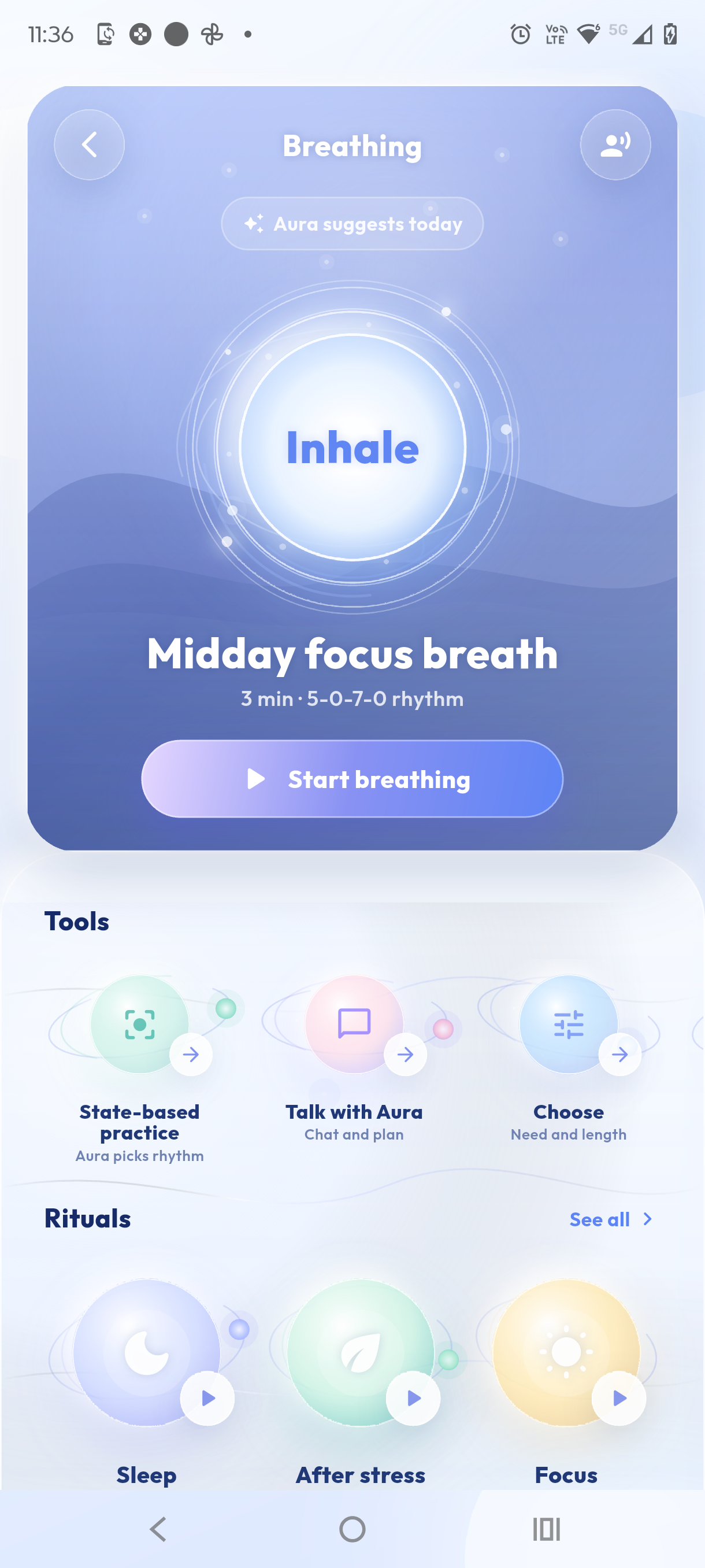
Breathing, Aura, and practice after the scan.

Mind Sense connects state awareness to small actions: breathing sessions, reflective AI conversation, and practical recommendations that fit the current moment.

B

Breathing programs

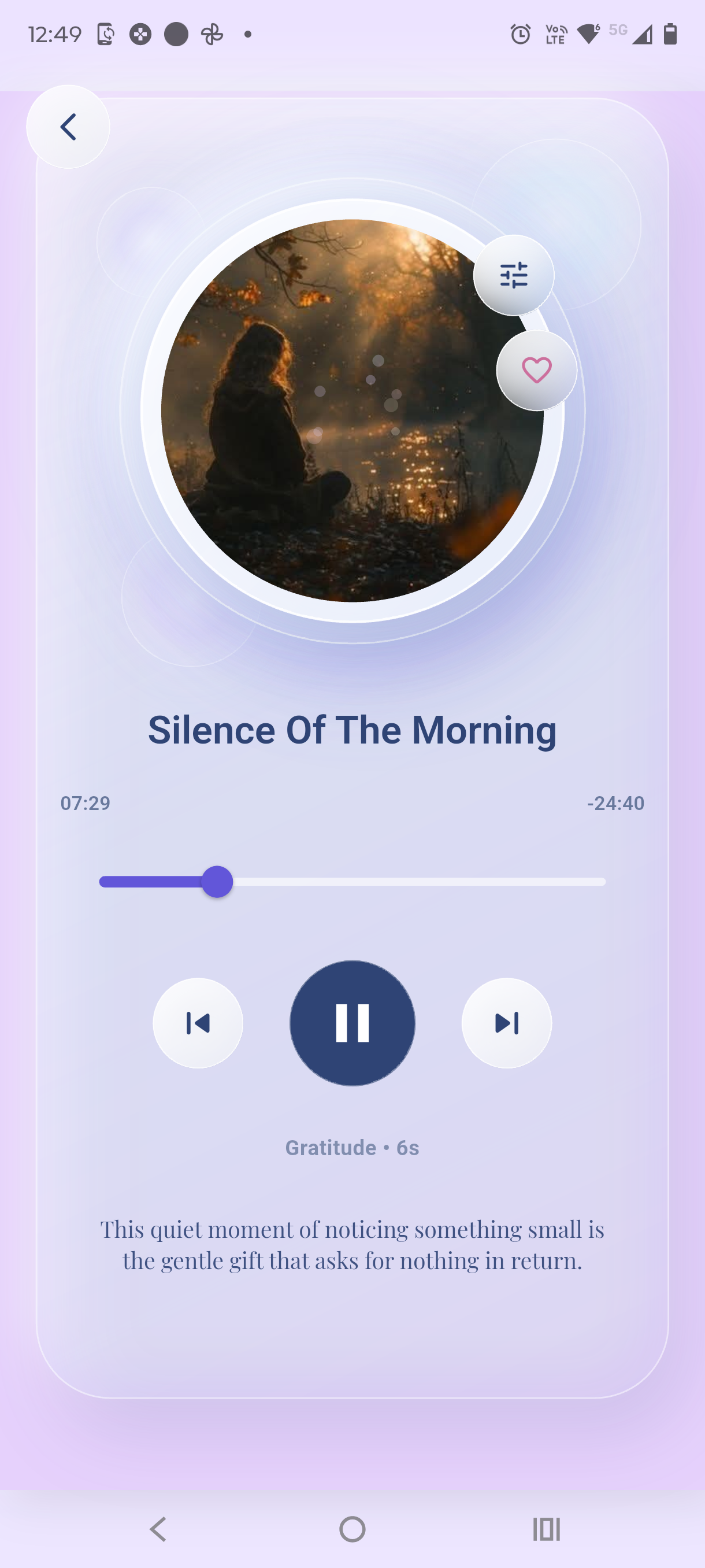
Guided sessions for calming down, recovering energy, or preparing for focus.

A

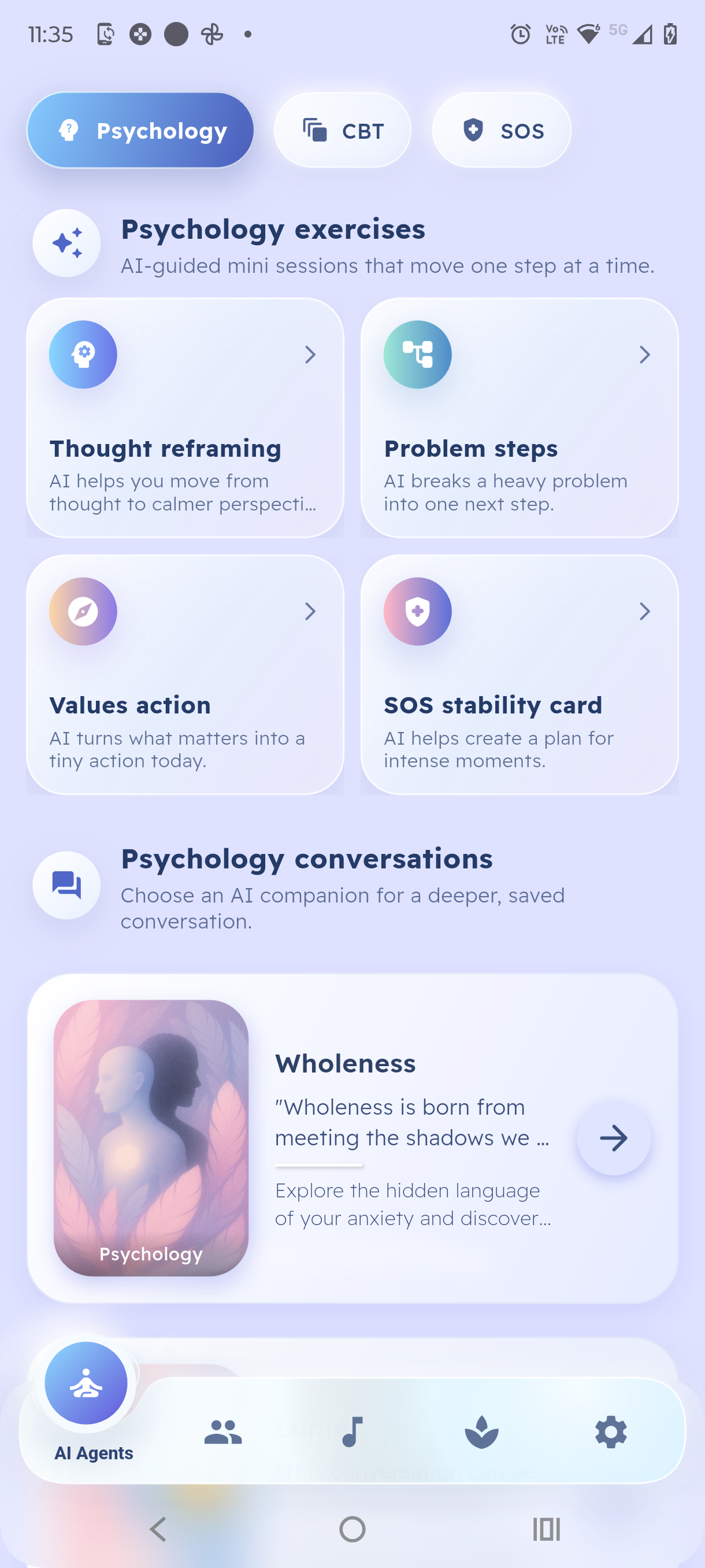
Aura conversation

Talk about your state with AI support that stays in a wellbeing context.

R

Recommendations

After each scan, receive one next step instead of a long list of advice.

Privacy and safety are part of the product.

Mind Sense uses sensitive permissions only for clear app features. Permission prompts and disclosures should appear before data is collected.

CCamera

Used for state-signal features such as visual scan flows. Camera access should be optional, permission-based, and explained before use.

MMicrophone

Used for voice features when enabled by the user. Voice input may be processed to support conversation or audio interaction.

AIAI processing

Aura conversations may send user-provided text or voice-derived content to backend or AI services to generate responses.

LLocation

Approximate location may be used only for contextual features, such as regional or environmental wellbeing prompts, when permission is granted.

Clear free scan and token usage.

State detection is free. After that, AI conversation, deeper recommendations, history, and extended practice support use token-based usage.

Free

$0

Start by identifying your current state with State Compass.

  • Free state detection
  • Basic state zone result
  • Privacy and account controls

FAQ

Short answers for reviewers, users, and anyone checking how Mind Sense handles sensitive features.

No. Mind Sense is for self-observation and wellbeing support. It does not provide medical diagnosis, treatment, or emergency care.
Camera permission supports optional scan experiences and state-signal features. The app should explain the purpose before asking for access.
Use the in-app account deletion flow where available, or submit a request through the public data deletion page.